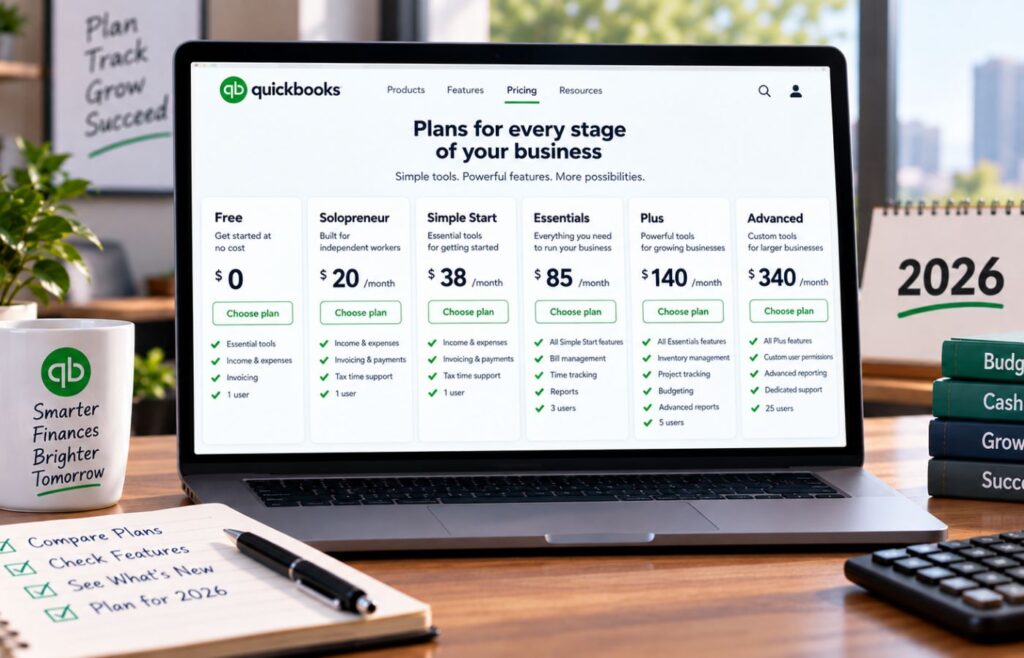
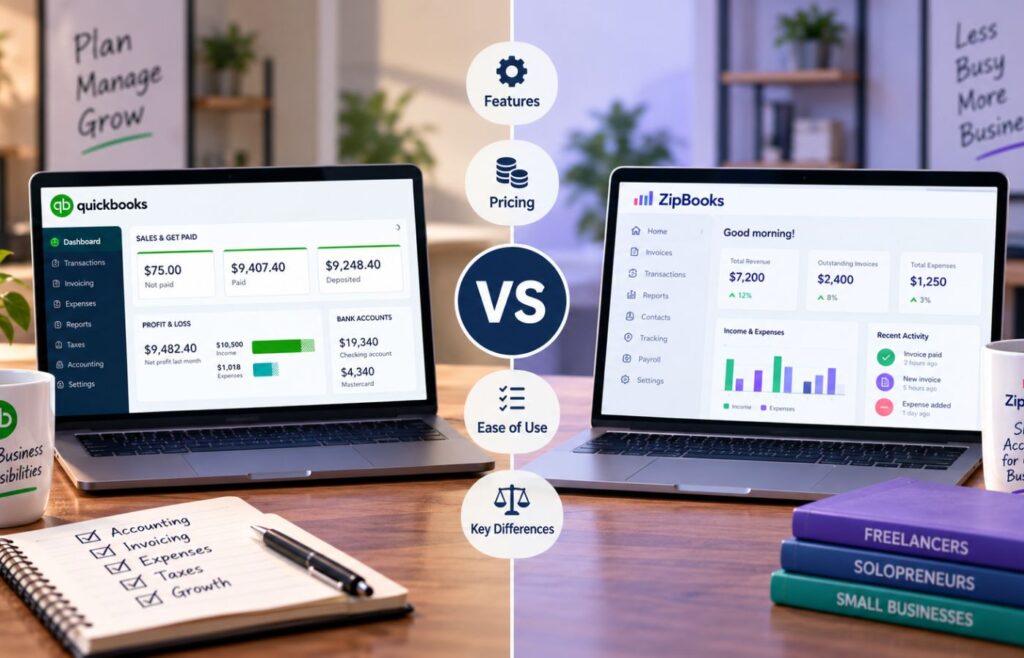
The best accounting software for mid-sized businesses is the one that can handle the complexity of your financial operations, not just how much revenue your company generates. If you only need stronger reporting, more users, better permissions, and faster day-to-day accounting workflows, Intuit Enterprise Suite or Xero may still be enough. But if your team is managing multiple entities, deferred revenue, audit requirements, department-level reporting, intercompany transactions, or board/investor reporting, you will likely need a more advanced system like Sage Intacct, Oracle NetSuite, or Microsoft Dynamics 365 Business Central.
| Provider | Best for | Monthly starting price |
| Sage Intacct | SaaS and multi-entity finance teams | Custom quote |
| Oracle NetSuite | Full enterprise resource planning (ERP) and global operations | Custom quote |
| Microsoft Dynamics 365 Business Central | Microsoft-first midsize companies | $80 per user, paid yearly |
| Intuit Enterprise Suite | Companies outgrowing QuickBooks | Custom quote |
| Xero | Collaborative teams needing lower-cost accounting | $25 |
- Manage multiple entities with consolidated reporting and intercompany visibility.
- Analyze performance by department, project, location, customer, or other dimensions.
Quick comparison of accounting software for mid-sized businesses
| Software | Pricing range | Multi-entity support | Best upgrade path | Main limitation |
| Sage Intacct | Custom quote | Strong native consolidation | From QuickBooks/Xero to a finance platform | Quote-based pricing |
| Oracle NetSuite | Custom annual license | Strong global consolidation | From accounting software to a full ERP | Heavy implementation |
| Microsoft Dynamics 365 Business Central | $80 to $110/user/month, paid yearly | Multiple companies included | Microsoft-first ERP migration | Partner-led setup |
| Intuit Enterprise Suite | Custom quote | Strong domestic multi-entity tools | From QuickBooks to an ERP-style suite | Limited global entity support |
| Xero | $25 to $90/month | Limited consolidation | From basic accounting to team collaboration | Not true ERP |
Why Sage Intacct is my choice for SaaS & multi-entity finance teams
Pros
- Strong fit for SaaS, subscription, and multi-entity accounting needs
- Multi-dimensional reporting helps reduce spreadsheet-heavy management reporting
- Built for finance teams that need audit trails, controls, and close discipline
- Annual subscription model can fit organizations that want a more formal finance platform
- Broad marketplace and integration ecosystem, including CRM and payroll connections
Cons
- Pricing is quote-based, so buyers must go through sales to estimate the total cost
- Implementation can be heavier than QuickBooks Online Advanced or Xero
- May be too much system for a single-entity business with basic accounting needs
- Add-ons and implementation services can make the true cost difficult to compare upfront
- Finance-first structure may not satisfy companies that also need inventory, warehouse, CRM, or ecommerce in one ERP suite
Monthly pricing
Custom quote
Add-ons pricing
Quote-based; Sage positions extended capabilities across planning, analytics, HR, payroll, expense management, and other modules
Discount
Not publicly listed
Free trial
Self-led product tour; pricing requires contacting Sage
Customer support channels
Sage support, implementation team or partner support, Sage University training, and account/support contacts
Key features
- Multi-entity accounting and consolidation
- Multi-dimensional reporting and dashboards
- AP automation agent
- Close agent for month-end tracking
- Financial assurance agent for unusual journal entries
- Finance Intelligence agent for report and transaction questions
- Sage Marketplace and API support
Sage Intacct is the best accounting software in this list for a mid-sized company whose pain is concentrated inside the finance department. If the core problem is that QuickBooks or Xero can no longer handle entities, dimensions, approvals, investor reporting, or close discipline cleanly, Sage Intacct is usually a more direct step up than a broader ERP.
The trade-off is between cost visibility and implementation effort. A buyer should not treat Sage Intacct like a plug-and-play accounting app. It deserves a proper requirements review, especially around entities, dimensions, revenue recognition, integrations, and approval workflows. The payoff is strongest when the finance team already knows what is breaking in the current system and needs a platform that can formalize those processes.
Why Oracle NetSuite works well for full ERP & global operations
Pros
- Strongest full-ERP scope among the products in this guide
- Good fit for companies that need finance, inventory, order management, and operations together
- Supports subsidiaries, business units, legal entities, currencies, and global consolidation
- Annual license structure can expand through users and optional modules
- Helps reduce the need to stitch together separate accounting, inventory, CRM, and procurement systems
Cons
- Pricing is quote-based and can be difficult to compare without a full sales process
- Implementation is usually the heaviest in this list
- Can be overbuilt for single-entity service or SaaS companies that mainly need finance depth
- Requires strong internal ownership during setup, migration, workflow design, and user training
- Buyers may pay for ERP breadth they do not actually need yet
Monthly pricing
Custom annual license
Add-ons pricing
Optional modules; quote-based
Discount
Not publicly listed
Free trial
Free product tour
Customer support channels
NetSuite services, partner support, learning resources, and contracted support options
Key features
- General ledger, AP, AR, and tax management
- Financial management and close support
- Global business management
- Multi-currency and consolidation
- Inventory and warehouse management
- Order management and procurement
- CRM and professional services modules
NetSuite is the right accounting choice when the accounting system is only one part of a larger operating-system problem. If finance, inventory, purchasing, fulfillment, and global entity management all need to live in the same environment, NetSuite deserves a serious look.
I would be more cautious if the business mainly needs better financial reporting, multi-entity consolidation, and audit controls. In that case, Sage Intacct may solve the finance problem with less ERP weight. NetSuite makes the most sense when the company would otherwise buy several connected systems to do what NetSuite can centralize.
Why Microsoft Dynamics 365 Business Central is my choice for Microsoft-first midsize companies
Pros
- Strong fit for companies already using Microsoft tools
- Clear public pricing for Essentials, Premium, and Team Members licenses
- 30-day free trial available
- Good ERP breadth without NetSuite-level complexity
- Includes finance, purchasing, inventory, project management, and multiple-company support
Cons
- Implementation often depends on a Microsoft partner
- Pricing is clearer than Sage or NetSuite, but the total cost still depends on partner work, users, and setup
- Less SaaS-finance-specific than Sage Intacct
- Premium is needed for service management and manufacturing
- May require configuration work to match industry-specific workflows
Monthly pricing
- Essentials: $80 per user, per month, paid yearly
- Premium: $110 per user, per month, paid yearly
- Team Members: $8 per user, per month, paid yearly
Add-ons pricing
Copilot Credits and partner apps may add cost
Discount
Not publicly listed
Free trial
30 days
Customer support channels
Microsoft support, partner support, documentation, guided tours, and implementation resources
Key features
- Finance management
- Sales and marketing
- Purchasing and payables
- Inventory and warehouse management
- Project management
- Multiple companies
- Microsoft 365, Excel, Teams, and Power BI connections
- Copilot-supported workflows
Business Central sits in a practical middle ground. It is broader than Sage Intacct in operational scope, usually more approachable than NetSuite, and especially attractive when a company already runs on Microsoft systems. For finance leaders who live in Excel and Power BI, that ecosystem fit can matter as much as the accounting feature list.
The main caution is implementation. Business Central is not just accounting software with a prettier dashboard; it is an ERP platform that needs configuration. It is a good pick when the company wants finance plus operations, but it needs a scoped rollout plan so the implementation does not become a sprawling Microsoft project.
Why Intuit Enterprise Suite is my choice for companies outgrowing QuickBooks
Pros
- Strong bridge for businesses moving beyond QuickBooks Online or QuickBooks Desktop Enterprise
- Familiar interface for teams already used to the Intuit ecosystem
- Multi-entity reporting, intercompany visibility, and consolidated financial statements
- Multi-dimensional reporting for slicing performance by entity, location, class, customer, vendor, employee, or other dimensions
- AI-assisted migration and reconciliation features can reduce manual setup and close work
- Dedicated Customer Success Manager included, according to Intuit’s comparison materials
Cons
- Newer and less battle-tested than Sage Intacct or NetSuite for complex enterprise use cases
- Pricing is not publicly listed, so buyers need a sales conversation to estimate the total cost
- International entity support is limited, so global businesses should confirm the fit before shortlisting
- May not replace NetSuite for companies needing complex inventory, warehouse management, or broad ERP coverage
Monthly pricing
Custom quote
Add-ons pricing
Not publicly listed; contract is built around the business, users, preferred Intuit solutions, and workflow needs
Discount
ProAdvisor preferred pricing may offer up to 60% off the list price for eligible clients working with a ProAdvisor accountant
Free trial
No public free trial; schedule a call or product tour
Customer support channels
Dedicated Customer Success Manager, guided onboarding, Intuit support, migration support, and professional services
Key features
- Multi-entity management
- Consolidated balance sheet, cash flow, P&L, AP, and AR reports
- Intercompany activity visibility
- Account-level allocations
- Shared chart of accounts, mapping rules, and elimination settings
- Multi-dimensional reporting
- AI-assisted migration and reconciliation
- Payroll, HR, payment processing, bill pay, marketing, and app integrations
Intuit Enterprise Suite belongs in this guide because it fills the gap between QuickBooks Online Advanced and traditional ERP. QBO Advanced can support a growing company with more users, reports, permissions, and workflows, but it is not the right long-term answer for a business with multiple entities and frequent intercompany activity. IES gives those companies a more natural next step while keeping the interface and ecosystem familiar.
The main caution is scope. IES is strongest for businesses that want more financial control without taking on a NetSuite-style migration. I would not position it as a replacement for every ERP. If the company needs global entity support, complex supply chain operations, warehouse management, or deep international compliance, NetSuite, Sage Intacct, or Business Central may still be the better fit.

Why Xero is good for collaborative teams needing lower-cost accounting
Pros
- No per-user license fees
- Lower starting price than the other products in this guide
- Established plan includes multicurrency, projects, expenses, mileage, and KPI analysis
- Clean interface can make adoption easier for non-accountants
Cons
- Not built for complex multi-entity consolidation
- Less suitable for formal SaaS revenue recognition and audit-heavy finance teams
- Early plan has invoice and bill limits
- Some advanced functionality depends on add-ons
- US companies may still prefer QuickBooks if accountant familiarity is a priority
Monthly pricing
- Early: $25 per month
- Growing: $55 per month
- Established: $90 per month
Add-ons pricing
Inventory Plus is optional; payment and bill pay fees may apply depending on the method
Discount
80% off for the first three months for eligible new US customers, according to current pricing terms
Free trial
One-month-free offer shown on the pricing page
Customer support channels
Xero Central support, onboarding support, Xero Coaches, and learning resources
Key features
- No per-user license fees
- Bank reconciliation and auto-reconcile beta
- Smart Document Capture
- Real-time reports
- Cash flow forecasts by plan
- Multicurrency on Established
- Project tracking on Established
- Expense and mileage claims on Established
Xero is the best low-cost option in this list when user access and collaboration matter more than deep enterprise controls. A company with several department heads, an external accountant, and a lean finance team may get more practical value from Xero’s no-per-user-fee model than from a more complex system it is not ready to manage.
I would not push Xero into a role it is not built for. Once the business needs formal consolidation, advanced revenue management, custom approval chains, or enterprise-grade audit controls, Xero starts to look more like a stepping stone than a long-term finance platform. Overall, I think Xero is better for companies that need more collaboration without the need for deep ERP features.
How to choose accounting software for mid-sized businesses
Choosing accounting software for a mid-sized business is really a migration-risk decision. The wrong tool either adds unnecessary implementation weight too early or keeps the finance team trapped in spreadsheets for too long. The cleanest choice is the one that fits the complexity you already have and the complexity you can reasonably see coming over the next two years.
- Start with the breaking point in your current system. If the problem is only user limits and reporting, QuickBooks Online Advanced or Xero may be enough. If the problem is entities, audit controls, dimensions, and close management, look at Sage Intacct. If operations and finance both need one system, evaluate Business Central or NetSuite.
- Separate accounting depth from ERP breadth. Sage Intacct is usually stronger when the buyer’s main pain is finance. NetSuite is stronger when finance, inventory, order management, procurement, and subsidiaries all need to work together.
- Do not compare subscription prices without implementation costs. A $90-per-month tool and a quote-based ERP are not even in the same buying motion. For Sage Intacct, NetSuite, and Business Central, implementation, migration, partner work, training, and change management can matter as much as license cost.
- Map your reporting requirements before demos. List the reports you need by entity, department, location, class, customer, project, product, currency, and board package. If a vendor cannot show those reports without exports and manual cleanup, that is a warning sign.
- Ask whether revenue recognition is native, configured, or outsourced to an add-on. This is especially important for SaaS and subscription companies. Deferred revenue workarounds are survivable early on, but they become painful as contracts, renewals, upgrades, downgrades, and audits pile up.
- Check approval workflows and segregation of duties early. A system that works for a three-person finance team may break once AP approvals, journal entry review, department budgets, and role-based permissions become formal requirements.
- Use user count as a cost signal, not just a licensing detail. Xero’s no-per-user-fee model can be attractive for broad collaboration. QuickBooks Online Advanced caps users at 25. Business Central, Sage Intacct, and NetSuite require a more careful user-role and license plan.
- Do not buy for the company you hope to become in five years if the next 18 months are simpler. Overbuying creates expensive implementation drag. Underbuying creates rework and migration fatigue. The goal is enough headroom without burying the team in system complexity.
Frequently asked questions (FAQs)